Skip to content
Crushjs.
新FB Runner 1.1.0 is here

同时运行多个 Facebook 账户, 全程自动。

FB Runner 在 LDPlayer 模拟器上替你操作 Facebook:发帖、评论、观看快拍和处理好友请求,并提供仪表板随时掌握每个账户的状态。

  • Windows 10 / 11
  • English · ខ្មែរ · 中文
  • Facebook 534 和 494
FB Runner v1.1.0
FB Runner v1.1.0

v1.1.0 新功能

FB Runner 1.1.0 is here

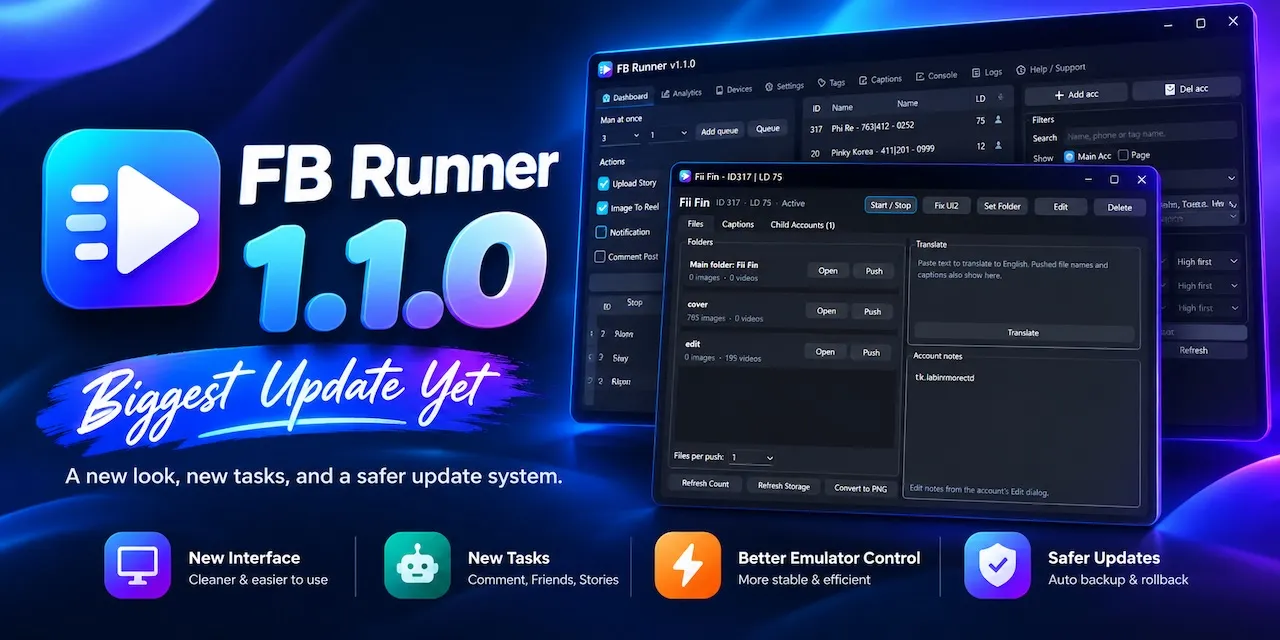
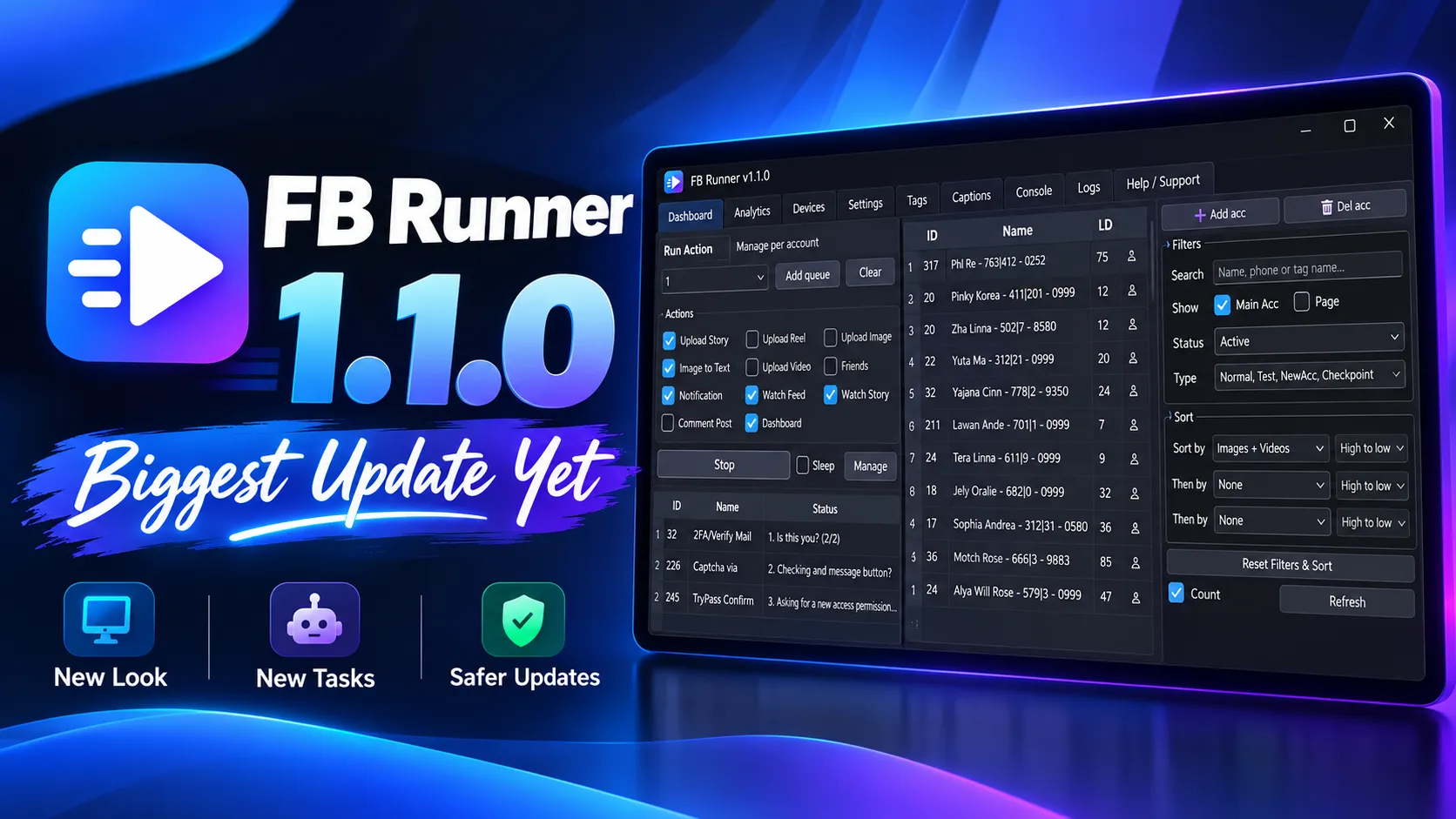
This is our biggest update so far. FB Runner has a new look, new tasks and a safer update system.

✨ New interface

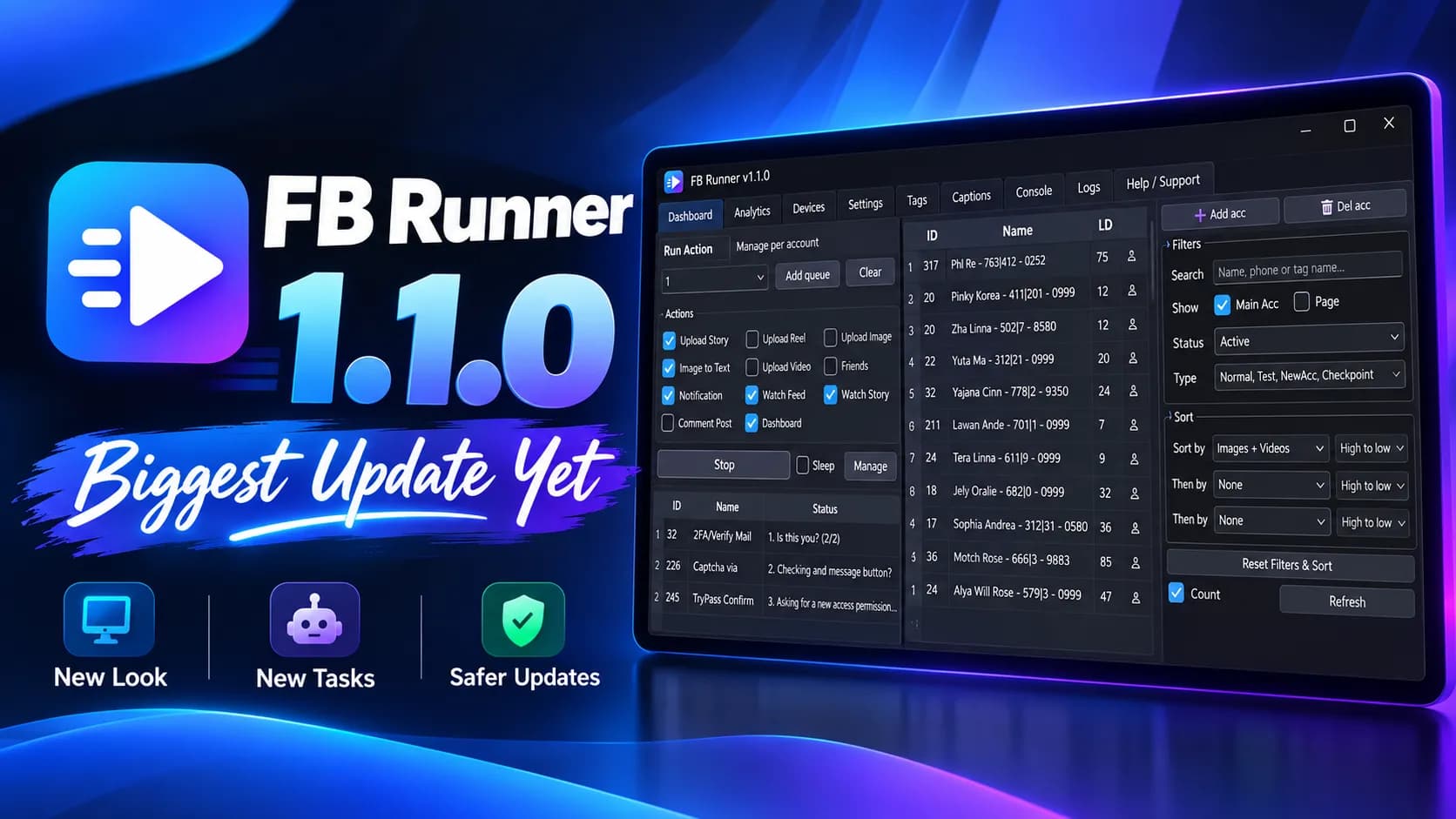
  • Everything is organized into tabs: Dashboard, Analytics, Devices, Settings, Tags, Captions, Console and Logs
  • Find accounts faster with search, tag filters, status filters and multi-level sorting
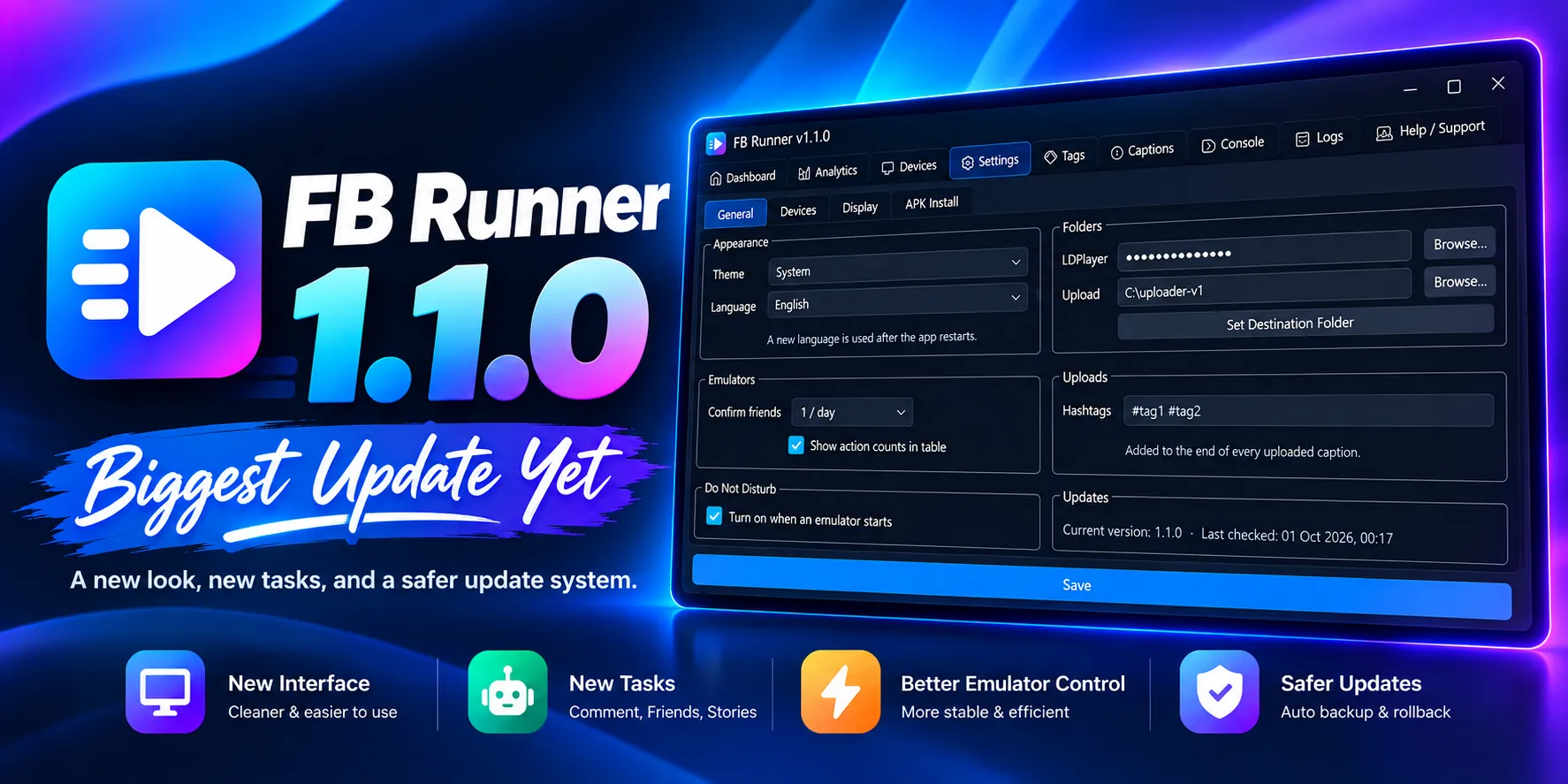
  • Light and dark themes (can follow your Windows setting)
  • Now available in English, ភាសាខ្មែរ (Khmer) and 中文 (Chinese)
🤖 New tasks

  • Comment on posts: stops safely if Facebook limits comments
  • Friend requests: handles requests from the Friends tab
  • Watch stories: watches stories naturally, like a real person

⚡ Improvements

  • More reliable photo, video, reel and story uploads
  • Smoother feed watching and account switching
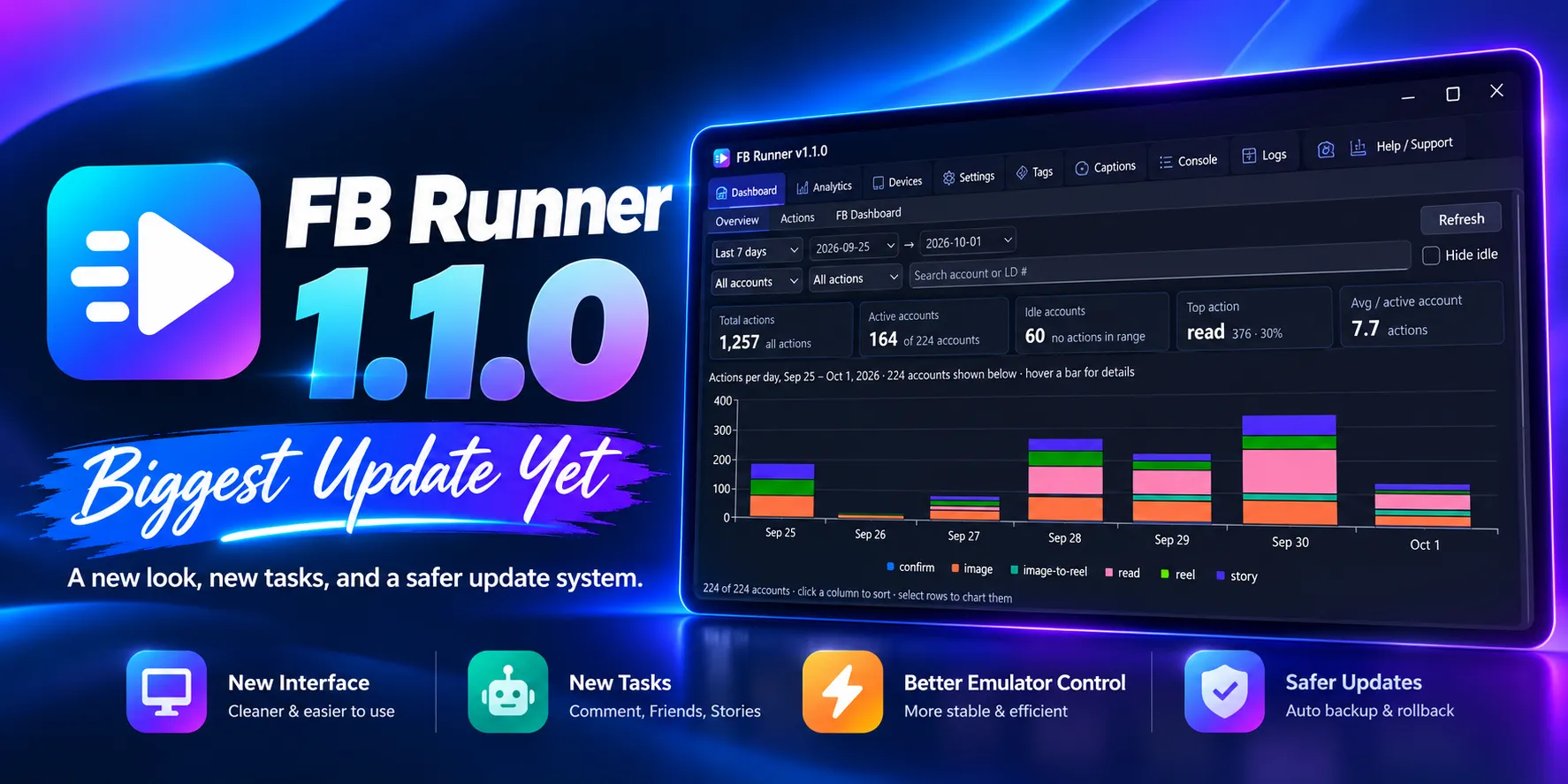
  • Dashboard stats saved for each account and Page
  • Full action history and a new log viewer

🖥️ Better emulator handling

  • Recovers lost emulator connections automatically
  • Turns on Do Not Disturb on each emulator
  • Clears the Facebook cache when an emulator finishes, to save disk space
  • Set CPU, RAM and FPS for each emulator
  • Suggests how many emulators your PC can run at once
  • Arranges emulator windows across multiple monitors

🔒 Safer updates and data

  • Automatic database backups
  • New updater: checks every download, never touches your data, and rolls back automatically if anything goes wrong
  • New GUI edition (no console window). Both editions update themselves.

Requirements

Supported Facebook app versions: 534.0.0.56.76 and 494.0.0.55.73

How to update

Open Settings → Check for Updates. If you are on 1.0.6.001, you will be offered 1.1.0 automatically.

Questions? Contact us on Telegram: https://t.me/crushjs_dev

截图

近距离了解界面

仪表板、分析、设备、设置、标签、文案、控制台和日志,各自独立成一个标签页。

Main UI
Folder Dialog
Daily Reports
Settings

Main UI

功能

大规模运营账户所需的一切

专为在 LDPlayer 上管理大量 Facebook 个人资料和主页的用户打造。

多账户管理

在一个仪表板中搜索、标记、筛选和排序所有账户与主页。

拟人化任务

以自然的节奏发帖、评论、浏览动态和快拍,并回应好友请求。

模拟器管理

为每个模拟器调整 CPU、内存和 FPS,自动恢复断开的连接,并在多个显示器上排列窗口。

分析与日志

按账户统计数据、完整的操作历史和内置日志查看器。

安全更新

下载经过校验,数据库自动备份,更新失败时自动回滚。

你的语言,你的主题

支持英文、高棉文和中文,浅色与深色主题可跟随 Windows 设置。

安装

几分钟即可上手

  1. 1

    安装必需软件

    安装 LDPlayer 和受支持的 Facebook 应用(534.0.0.56.76 或 494.0.0.55.73)。所有文件都在应用页面。

  2. 2

    下载 FB Runner

    下载上方的最新版本,或从发布历史中选择特定版本。

  3. 3

    解压并启动

    解压安装包并运行 launcher.exe,然后按照安装向导操作。

  4. 4

    保持最新

    打开 Settings → Check for Updates。更新程序会校验每次下载,且不会改动你的数据。

常见问题

常见问题解答

FB Runner 有什么用途?
FB Runner 帮助你在 LDPlayer 模拟器实例上同时管理多个 Facebook 账户和主页,并自动完成发帖、评论、观看快拍和处理好友请求等日常任务。
可以免费使用吗?
是的,FB Runner 可免费使用。
支持哪些 Facebook 应用版本?
Facebook 534.0.0.56.76 和 494.0.0.55.73。两者都可以在应用页面下载。
如何更新到最新版本?
打开 Settings → Check for Updates。如果你正在使用 1.0.6.001,系统会自动推送 1.1.0。更新程序会校验每次下载,保留你的数据,出现问题时自动回滚。
Console 版和 GUI 版有什么区别?
两者功能相同。GUI 版运行时不显示控制台窗口。两个版本都会自动更新。
支持哪些语言?
English、ភាសាខ្មែរ(高棉文)和中文。
在哪里可以获得帮助?
通过 Telegram 联系我们:t.me/crushjs_dev。FB Runner 由 Crushjs 开发。

准备好试用 FB Runner v1.1.0 了吗?

可在 Windows 10 和 11 上免费使用。有问题?欢迎通过 Telegram 联系我们。