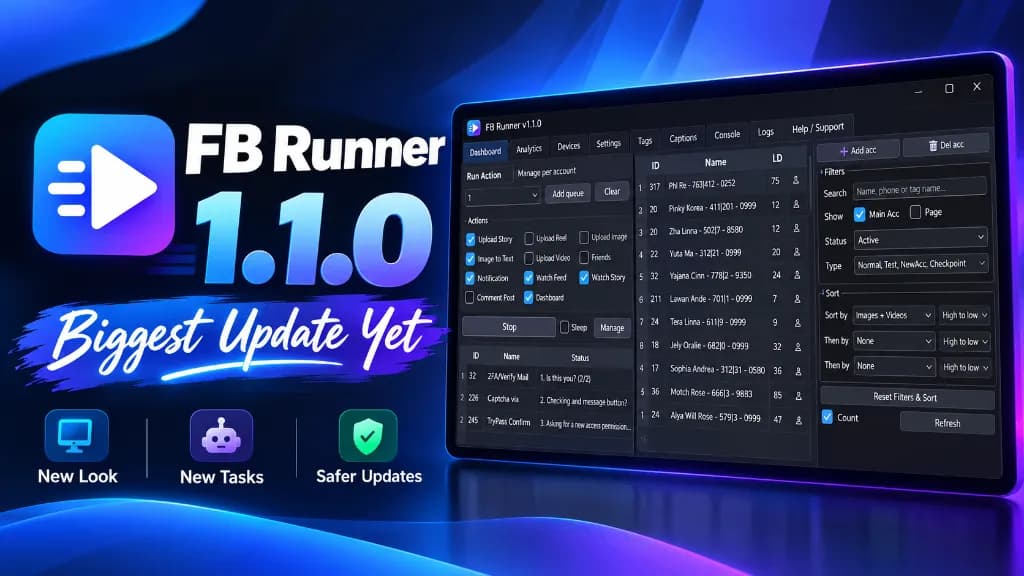
My tool is out now! 🚀 FB Runner
This tool is designed to help you activate and manage accounts easily with LDPlayer. It provides a faster and smoother workflow for handling multiple accounts, automation tasks, and emulator management in one place.
Crushjs
1 min read
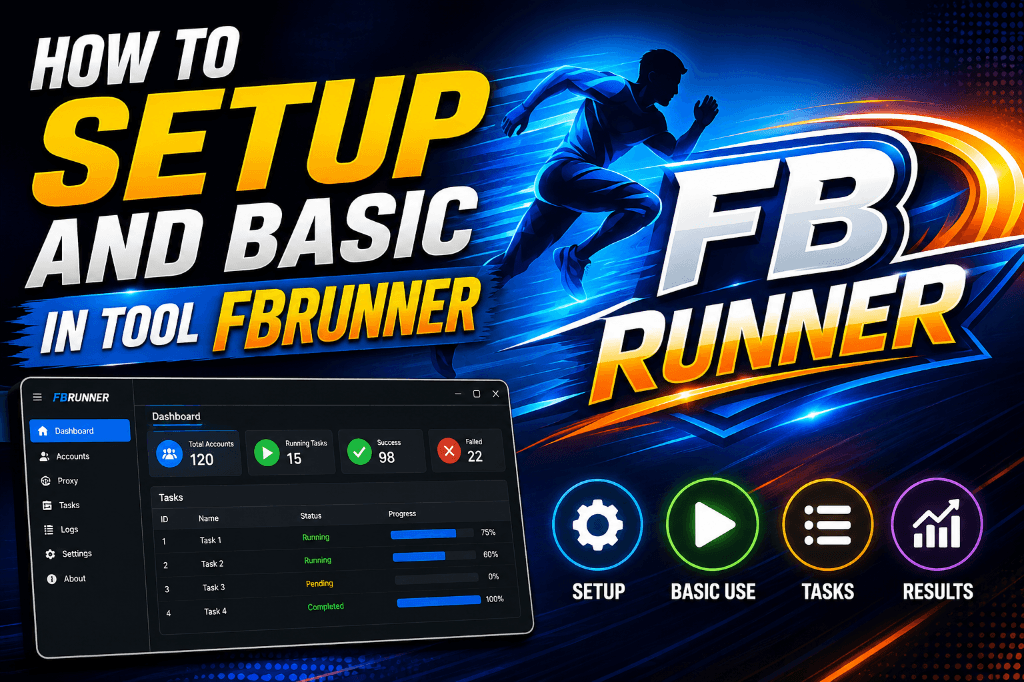
Managing multiple accounts on Android emulators can take a lot of time, especially when you need to repeat the same setup process again and again. That’s why I created this new tool — a simple solution designed to make account activation and management easier, faster, and more efficient with LDPlayer.
Whether you are managing personal accounts, testing applications, or working with multiple emulator instances, this tool helps streamline your workflow without complicated setup steps.
Why I Built This Tool
Many users who work with Android emulators often face common problems such as:
- Repeating account setup manually
- Managing multiple emulator windows
- Slow workflow between instances
- Time-consuming activation processes
- Difficult account organization
I wanted to create a lightweight tool that focuses on speed, simplicity, and usability while working alongside LDPlayer.
What This Tool Can Do
This tool comes with several useful features that help improve productivity and emulator management.
Fast Account Activation
Activate accounts quickly without repeating unnecessary manual steps.
Multi-Instance Support
Work with multiple LDPlayer instances smoothly and manage accounts more efficiently.
User-Friendly Interface
The interface is designed to be simple and easy to understand, even for beginners.
Better Workflow Automation
Reduce repetitive actions and save time while handling emulator tasks.
Optimized Performance
The tool is lightweight and designed to work smoothly with LDPlayer for stable performance.