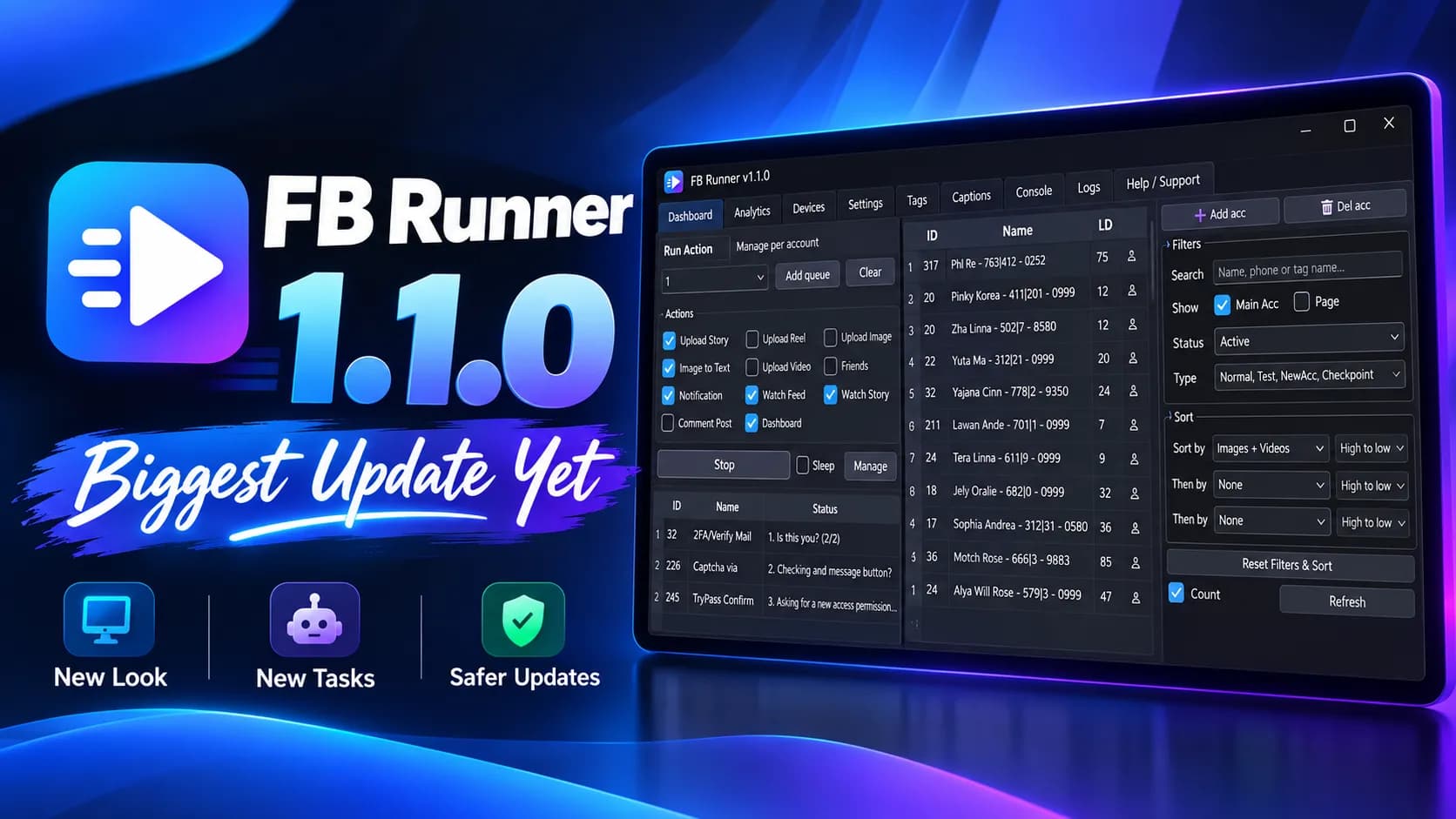
Screenshots & Interface

Screenshot 1
Screenshot 2
Screenshot 3
Screenshot 4
Screenshot 5

Download

FB Runner

Professional tool for running multiple Facebook accounts simultaneously on emulator instances.

File size: 270+ MB • Compatible with Windows 10/11

Installation

  1. 1
    Download the latest version from the Download page.
  2. 2
    Unzip the package and run launcher.exe
  3. 3
    Follow the setup wizard instructions.

Usage

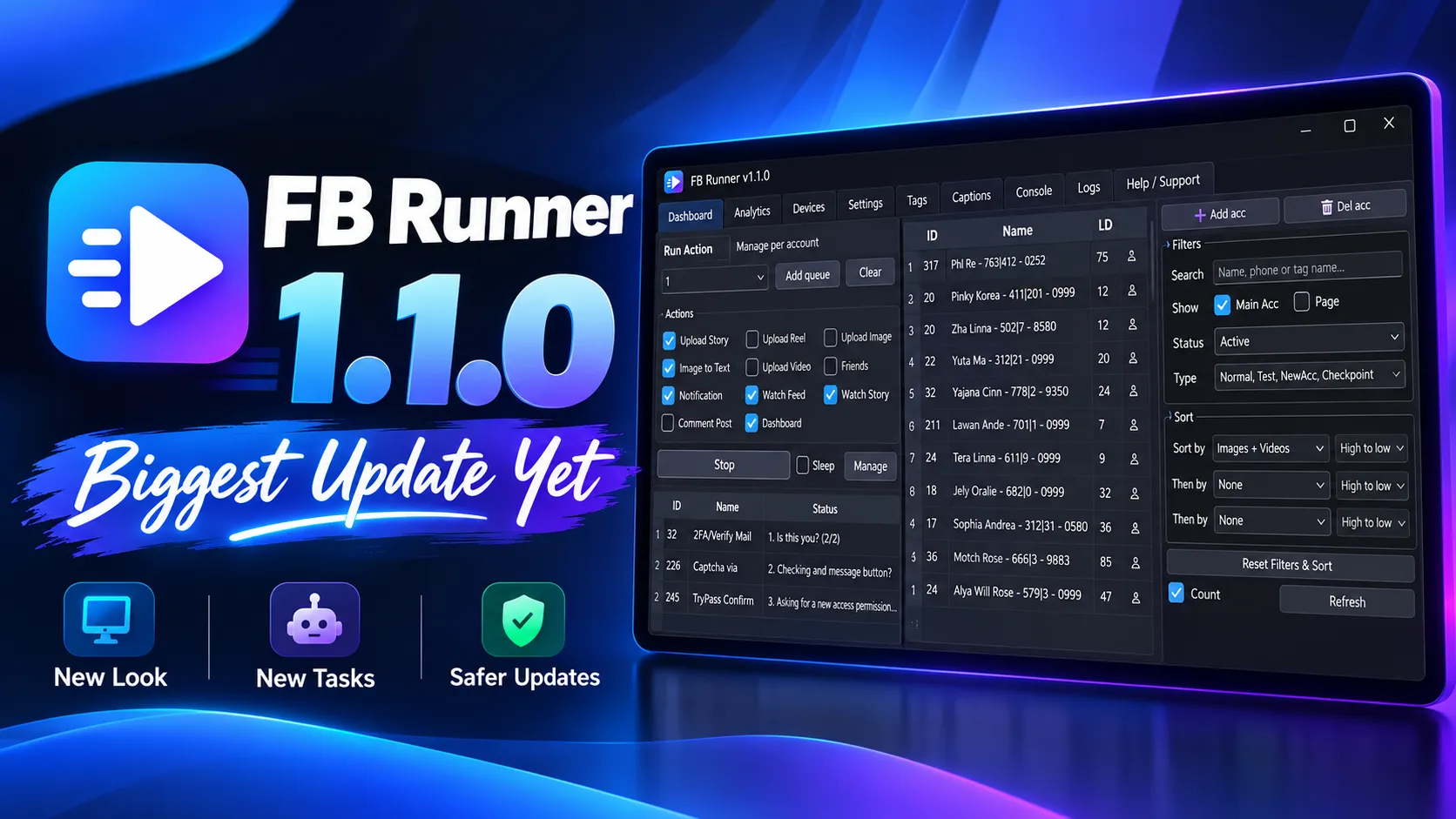
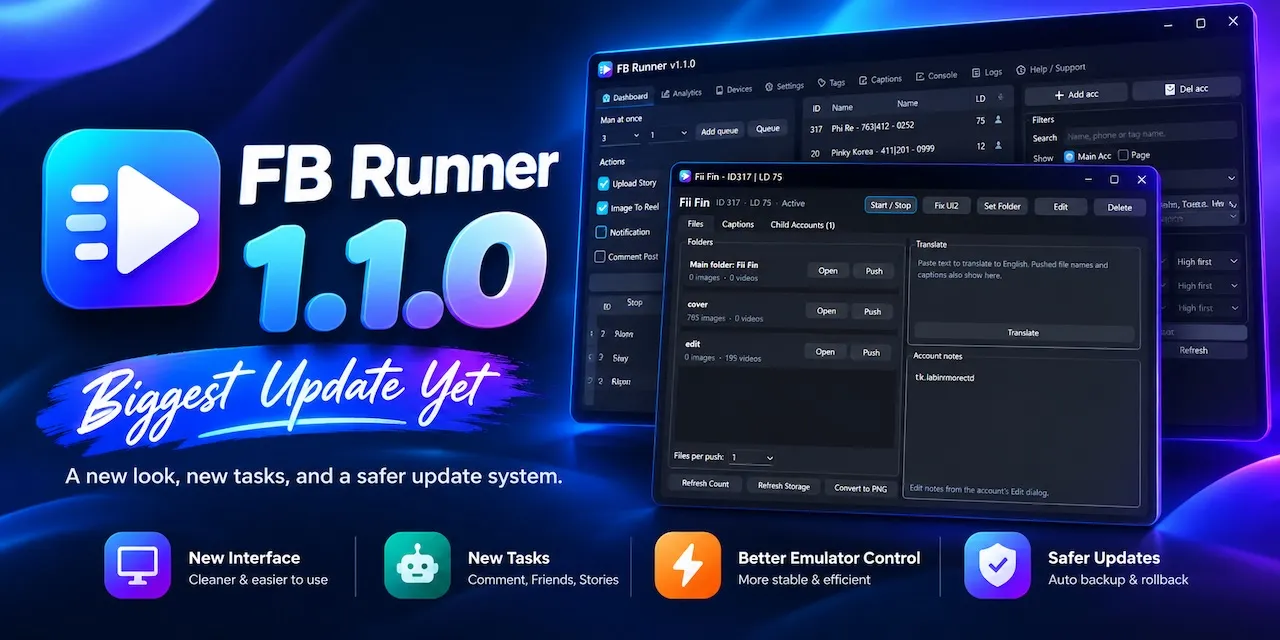
Once installed, open FB Runner and add your accounts. You can manage multiple Facebook profiles/pages, start or stop emulators, and automate repetitive workflows.

Multi Accounts

Run and manage multiple Facebook accounts easily.

Emulator Control

Start, stop, and monitor LD Player instances.

FAQ

Can I use this for automation?

Yes. FB Runner supports automation workflows including emulator control, account management, and repetitive actions.

Is it free to use?

Yes, FB Runner is free to use.

What is FB Runner used for?

FB Runner helps manage multiple Facebook accounts simultaneously using emulator instances such as LD Player.

Who is the developer?

FB Runner is developed by Crushjs.